Policies allow you to define desired configuration state. Group Equivalence Checks allow the user to determine if there are any mismatches when applying a policy to many files.
Group Equivalence Checks
This check is a powerful one to define on a node group.
The functionality is determined as such:
-
Suppose you have a single CI you wish to monitor across all your nodes in a Node Group, you may contextually right-click on the node view page for that CI, followed by ‘Add to Policy’. You can add it to an existing policy, or create a new one.
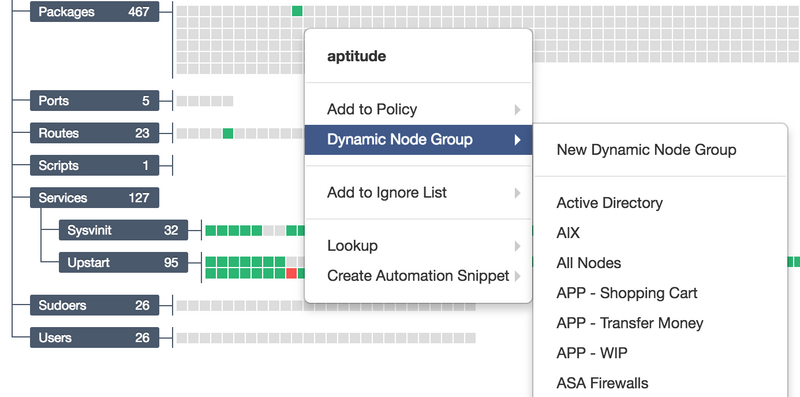
-
Select ‘Group Equivalence’ if you’re choosing to build a new policy from the context menu.
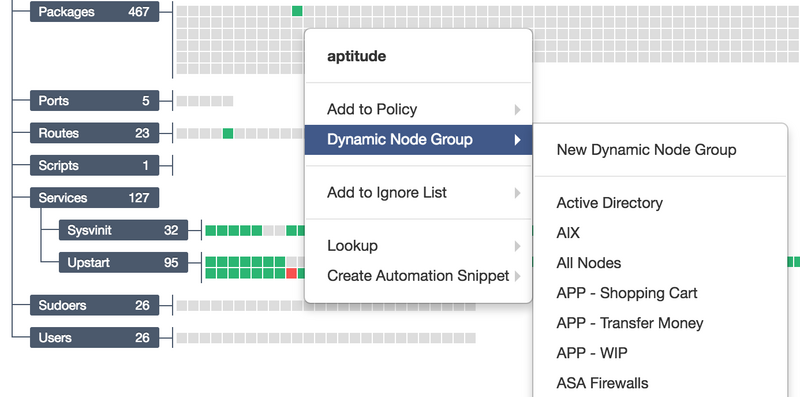
-
The policy will check that the file will be an exact match across all the same files in the node group, and will complain as a policy failure should there be a mismatch in any of the nodes in the node group that this policy is applied to.